
AI Video Maker: Text, Frames or References to Video
Text to video is the default tab. Start from a prompt, a first frame or a set of reference images, pick from Grok Imagine, Kling 4, Seedance or Veo 3.1, and see the credit price before anything renders.
Load an example
| 480p | 720p | 1080p | 4K | |||
|---|---|---|---|---|---|---|
| 4–8s | 81 | |||||
| 4–8s | 335 | |||||
| 4–8s | 41 | |||||
| 4–30s | 152 | |||||
| 4–30s | 100 | |||||
| 4–15s | 104 | |||||
| 4–15s | 64 | |||||
| 4–15s | 24 | |||||
| 3–30s | 117 | |||||
| 3–20s | 69 | |||||
| 6–30s | 24 |
Cells show credits for 8 s (or the model's nearest length). Click a cell to pick model and resolution at once.
- Cost
- 440
- Balance
- Sign in
- Ready in
- typically 1–3 min
Free-plan renders are posted to the public gallery · you pay only if it finishes
Your clip lands here
Choose a model, type a prompt, press Generate. A failed render costs nothing.
AI video maker models, side by side
One row per model. Set a resolution and a length and the last column re-prices every row for exactly that clip. Click a column head to sort.
| Sound | Inputs | Load in studio | ||||
|---|---|---|---|---|---|---|
| Veo 3.1 Fastby Google | 4–8s | 4K | Always | Text · Frames · 3 refs | 81 crbilled as 6s | |
| Veo 3.1 Qualityby Google | 4–8s | 4K | Always | Text · Frames | 335 crbilled as 6s | |
| Veo 3.1 Liteby Google | 4–8s | 4K | Always | Text · Frames · 3 refs | 41 crbilled as 6sCheapest | |
| Seedance 2.5by ByteDance | 4–30s | 4K | Optional | Text · Frames · 30 refs | 425 cr | |
| Seedance 2.5 Flashby ByteDance | 4–30s | 720p | Optional | Text · Frames · 10 refs | 275 cr | |
| Seedance 2.0by ByteDance | 4–15s | 4K | Optional | Text · Frames · 9 refs | 275 cr | |
| Seedance 2.0 Fastby ByteDance | 4–15s | 720p | Optional | Text · Frames · 9 refs | 170 cr | |
| Seedance 2.0 Miniby ByteDance | 4–15s | 720p | Optional | Text · Frames · 9 refs | 55 cr | |
| Kling 4.0by Kuaishou | 3–30s | 4K | Always | Text · Frames · 10 refs | 195 cr | |
| Kling 4.0 Flashby Kuaishou | 3–20s | 720p | Always | Text · Frames · 10 refs | 115 cr | |
| Grok Imagineby xAI | 6–30s | 1080p | Always | Text · 7 refs | 42 crbilled as 6s |
Veo 3.1 bills per clip (4, 6 or 8 seconds), so a 5 second request is priced at the next length up. All other models bill per second. Prices are the same ones the studio charges.
In the browser
11 video models, one AI video maker
AI Video Maker Online runs in the browser. Feed it a prompt, a first frame or a few reference images and you get back a finished clip, sound included. Kling 4, Grok Imagine, Veo 3.1 and Seedance 2.5 share one picker, so you choose per shot and skip the separate subscriptions.
The longest clip is 30 s and the top resolution is 4K. The exact credit price shows before you press Generate. Closing the tab doesn't stop a render, and a failed one refunds itself.
- video models, one panel
- 11
- max clip length
- 30s
- top resolution
- 4K
- credits, cheapest clip
- 24
Steps
From a prompt to an MP4 in four steps
The cheapest clip costs 24 credits.
- Step 1
Write the shot
Who is on screen, what they do, how the camera moves, what we hear.
- Step 2
Add images if you have them
Start and end frames fix where the clip opens and closes. Reference images keep a face or a product the same across the shot.
- Step 3
Choose model and settings
Set the model, clip length, aspect ratio and resolution. The price moves live as you change them.
- Step 4
Render, then download
Follow the status bar, then grab the MP4, copy the settings or run a variation. Every render stays in My creations.
Spec sheet
Which model? An AI video maker spec sheet
Lengths, resolutions and prices are read from the studio itself, so they match your bill.
| Model | Good for | Specs | From | Load |
|---|---|---|---|---|
| Veo 3.1 | ||||
| Veo 3.1 Fast | Cinematic shots, speech and sound included, returned fast. |
| from 81 cr | |
| Veo 3.1 Quality | Google's top Veo, for the shot where detail counts. |
| from 335 cr | |
| Veo 3.1 Lite | Lowest Veo price per clip, same 4–8 s lengths. |
| from 41 cr | |
| Seedance | ||||
| Seedance 2.5 | Multi-shot stories to 30 s, characters held steady, with audio. |
| from 152 cr | |
| Seedance 2.5 Flash | Cheaper Seedance 2.5 for drafts and social edits. |
| from 100 cr | |
| Seedance 2.0 | A safe all-round pick for motion, camera work and reference shots. |
| from 104 cr | |
| Seedance 2.0 Fast | Lower-cost 2.0 for reworking motion and pacing. |
| from 64 cr | |
| Seedance 2.0 Mini | Cheap test runs, so a prompt is proven before you pay for quality. |
| from 24 cr | |
| Kling 4 | ||||
| Kling 4.0 | Single takes to 30 s, 10 keyframes or omni reference, 4K. |
| from 117 cr | |
| Kling 4.0 Flash | Kling 4 motion at 720p for fast social cuts. |
| from 69 cr | |
| Grok Imagine | ||||
| Grok Imagine | Cheap, stylized clips to 30 s from a prompt or references. |
| from 24 cr | |
Draft cheap in the AI video maker, finish in HD
Every family has a cheap model and a sharp one. Test the idea low, check it, then pay for the final. Block height follows the credit price; the smallest block is enlarged so its label fits.
Draft
Seedance 2.0 Mini
5s · 480p
30Check
Seedance 2.5 Flash
5s · 720p
275Final
Seedance 2.5
5s · 1080p
1060
Inputs
Three inputs: prompt, frames, references
All clips below came from these modes. Hover one to play it.
Text to video
Write the scene. The model builds subject, motion, camera and audio from your words.

Image to video (first and last frame)
Open on your own still and, if you like, fix the closing frame too, so the clip starts and stops where you planned.

Reference to video
Upload a character sheet, a product or a location and the model carries it into a new scene unchanged.
Uses
What this AI video maker gets used for
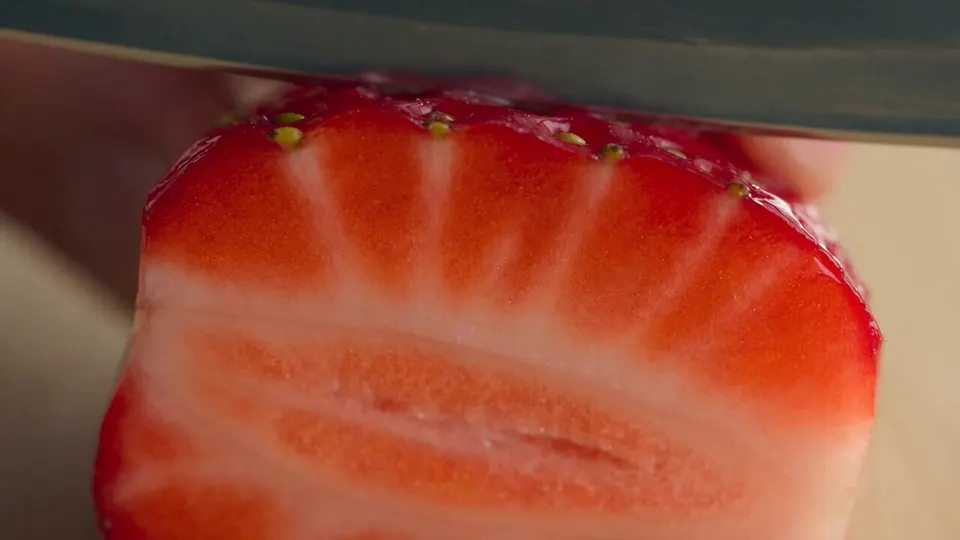
Ads and UGC spots
Unboxings, reviews and ASMR-style product spots, no camera crew.
Seedance 2.0
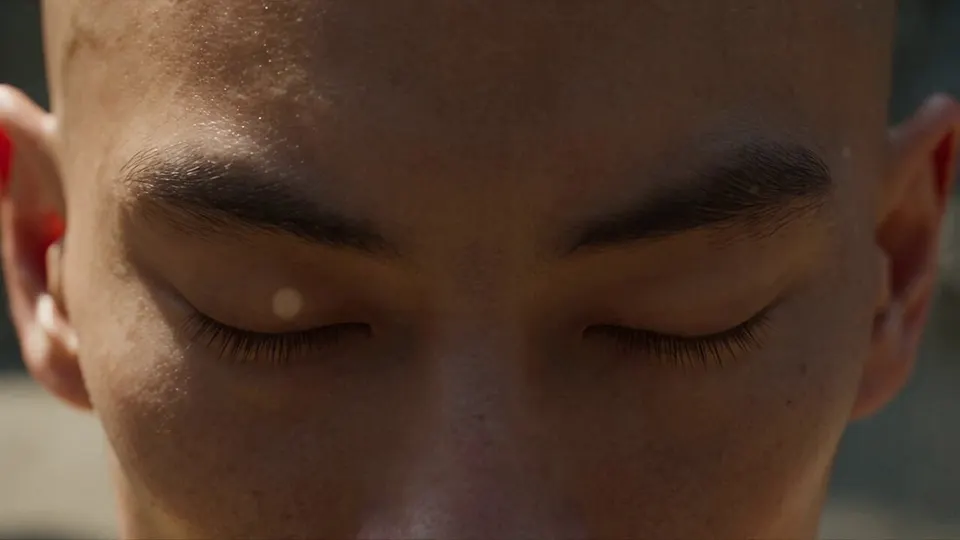
Short-form social
9:16 vertical clips for Reels and TikTok, with music and movement.
Seedance 2.0
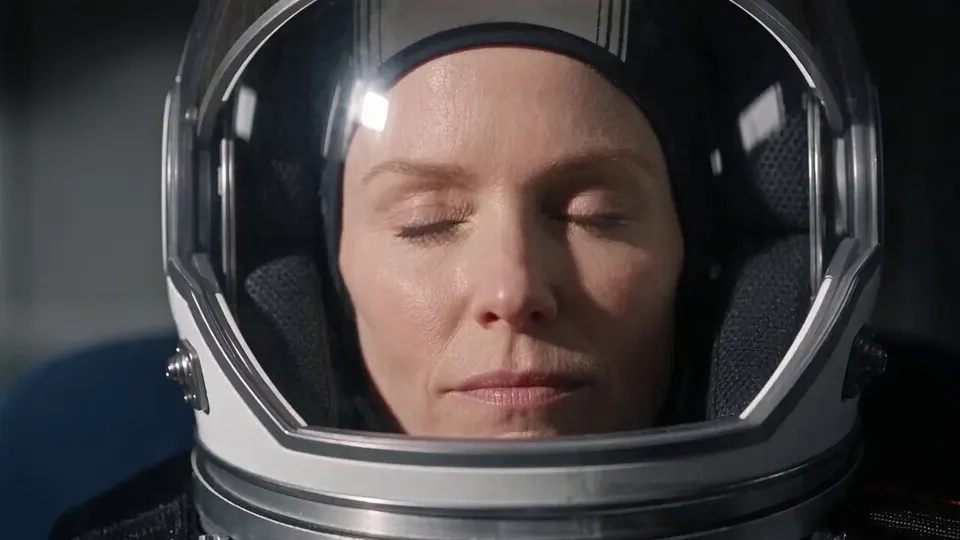
Animated storyboards
Turn a script into moving boards and pitch it before anyone shoots.
Seedance 2.0

Shorts and trailers
Action, fantasy and single-take sequences for short films, trailers and music videos.
Seedance 2.0

Product demos
Show the product being used, its shape, colour and logo held steady.
Seedance 2.0

Travel and lifestyle
Lifestyle scenes and vlogs for hotels, tourism brands and travel channels.
Seedance 2.0
Clips from this AI video maker you can rerun
Example outputs from the models listed, each labelled with the model that made it. Recreate loads its prompt and model.
- Seedance 2.0
- Seedance 2.0
- Seedance 2.0
- Seedance 2.0
- Seedance 2.0
- Seedance 2.0
- Seedance 2.0
- Seedance 2.0
- Seedance 2.0
- Seedance 2.0
- Seedance 2.0
- Seedance 2.0
Prompt anatomy
Five parts of a video prompt
Give each of these five parts a sentence or two. Specific and short wins over long and fuzzy.
Subject
Who or what we see, plus two or three visible details.
Action
What happens, step by step. One clear action to a shot works best.
Camera
Framing and motion: close-up, tracking, slow push-in, drone.
Look and light
Look and mood: photoreal, anime, golden hour, neon at night.
Sound
Quote any dialogue, then name the ambience and music. Audio-capable models act on it.
An old lighthouse keeper climbs a spiral staircase with a lantern, then pauses at a window as a storm rolls in. Low angle, slow tilt up. Photoreal, warm lantern glow against cold blue light. Sound: creaking steps, rain on glass, distant thunder.
- 1 · Subject
- 2 · Action
- 3 · Camera
- 4 · Look and light
- 5 · Sound
Questions
AI video maker questions
- What does one clip cost?
- Model, length and resolution set the price, and you see it before you render. The cheapest clip is 24 credits.
- Do failed renders cost credits?
- No. Credits are held when the render starts and go back to you automatically if it fails or times out.
- Are the clips cleared for commercial use?
- Yes. Our Terms of Service allow it once you've bought any credit pack or are on Pro or higher. Free-tier and Starter credits cover personal projects only.
- What is the maximum clip length?
- 30 s on Grok Imagine, Kling 4.0 and Seedance 2.5; 15 s on Seedance 2.0; 4 to 8 s on Veo 3.1.
- Which resolutions can I pick?
- 480p up to 4K, model by model. Free accounts stop at 720p, while packs and plans add 1080p and 4K.
- Is there audio?
- Yes. Grok Imagine, Kling 4, Seedance and Veo 3.1 all make native audio, dialogue and ambience included. Seedance also lets you turn it off.
- How long do I wait for a render?
- One to four minutes in most cases; model, length and resolution decide. You'll see an estimate, the render continues if you leave, and a notification arrives when it's done.
- Can I animate a photo of my own?
- Yes. Frames mode opens the clip on your image; References mode keeps a person, product or place the same in a new scene.
Your first clip from this AI video maker
New accounts get 6 free credits once, at sign-up. The cheapest 1K image costs 6 credits. Choose a model, write the shot, press Generate. The cheapest clip is 24 credits, paid from a pack or plan.