
AI Image Maker by AI Video Maker Online: Stills, Posters, First Frames
All GPT Image and Nano Banana models share one panel. Make a still, a poster or an opening frame, then animate it in the video tab. A failed image costs nothing.
Load an example
| 1K | 2K | 4K | Refs | ||
|---|---|---|---|---|---|
| 8 | 25 | ||||
| 8 | 6 | ||||
| 8 | 11 | ||||
| 8 | 6 | ||||
| 8 | 6 | ||||
| 8 | 9 | ||||
| 8 | 9 | ||||
| 8 | 9 | ||||
| · | 7 | ||||
| 16 | 6 | ||||
| 5 | 9 |
- Cost
- 25
- Balance
- Sign in
- Ready in
- typically 20–60 s
Free-plan renders are posted to the public gallery · you pay only if it finishes
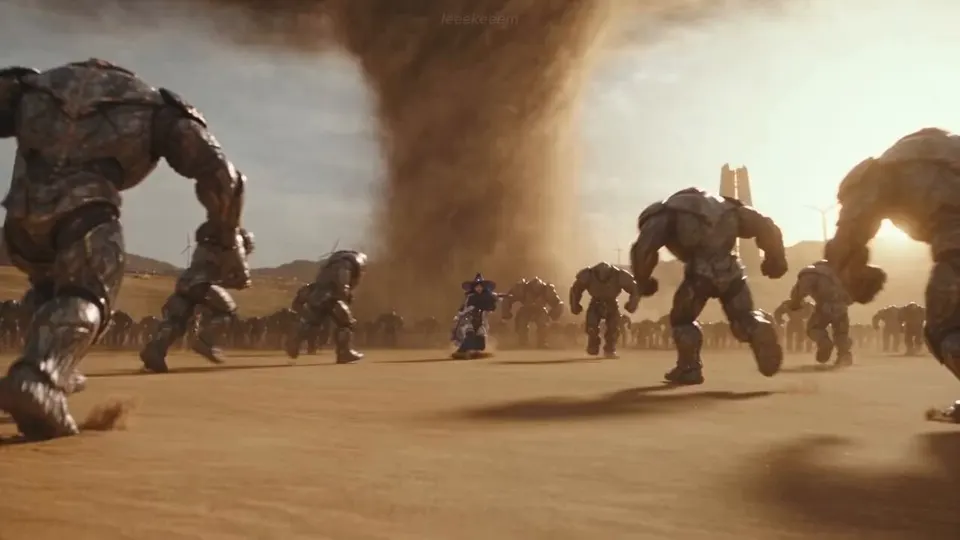
Your image lands here
Choose a model, type a prompt, press Generate. A failed render costs nothing.
Image studio
11 image models in one AI image maker
AI Video Maker Online also makes and edits images online. Type a prompt, or upload as many as 16 photos and edit, restyle or merge them. All GPT Image and Nano Banana models sit in one list and draw on one credit balance.
Output reaches 4K. You see the price before generating, and a failed image refunds itself. Finished images work as ads, posters, product shots or a video's opening frame.
- image models, one panel
- 11
- reference photos per edit
- 16
- top resolution
- 4K
- credits, cheapest image
- 6
Steps
Four steps to a finished image
From 6 credits an image.
- Step 1
Describe the image
Subject, composition, light, style. Any words that should appear in the picture go in quotes.
- Step 2
Upload photos if needed
Add as many as 16 photos: to retouch them, to hold a face or product steady, or to merge several into one scene.
- Step 3
Choose model, size and ratio
Choose a GPT Image or Nano Banana model, then aspect ratio and resolution. The price updates live.
- Step 4
Generate, then use it
Download it, copy the settings, run a variation, or open it in the video tab as the opening frame.
Spec sheet
Choosing a model in the AI image maker
Resolutions, reference caps and prices are pulled from the studio.
| Model | Good for | Specs | From | Load |
|---|---|---|---|---|
| Nano Banana | ||||
| Nano Banana Pro | Studio-quality stills with legible text, 4K at the top. |
| from 25 cr | |
| Nano Banana 2.1 | Quick edits that leave faces and products unchanged. |
| from 6 cr | |
| Nano Banana 2 | High detail and wide frames like 21:9. |
| from 11 cr | |
| Nano Banana 2 Lite | Lowest-price drafts and variants. |
| from 6 cr | |
| Nano Banana | The first Nano Banana, fine for simple photo fixes. |
| from 6 cr | |
| GPT Image | ||||
| GPT Image 2.5 Flare | Bold, stylized images with clean lettering for posters and covers. |
| from 9 cr | |
| GPT Image 2.5 Sunburst | Warm photographic look aimed at realism. |
| from 9 cr | |
| GPT Image 2 | Infographics, layouts and product shots you can count on, 4K at the top. |
| from 9 cr | |
| GPT Image 2.6 Economy | Cheap prompt-only images for brainstorming. |
| from 7 cr | |
| GPT Image 1.5 | Close prompt following, with as many as 16 reference images. |
| from 6 cr | |
| GPT Image 1 (4o) | Classic GPT-4o look: soft and illustrated. |
| from 9 cr | |
Inputs
Prompt, photo edit or product reference
Each example below used one of these.

Text to image
Describe it and get a finished picture, anything from illustration to photoreal close-ups.

Photo edits
Upload photos and say what should change: swap the background, change the style, or make yourself the star of a poster.

Product references
Give it a product shot and new scenes keep its shape and label exactly. Up to 16 references.
Uses
What people make with the AI image maker

Product ads
High-end product shots and campaign images without renting a studio.
GPT Image 2

Posters and key art
Film, game and event posters where the title is readable.
GPT Image 2

Portraits
Lifestyle and editorial portraits for social posts and profile photos.
Nano Banana Pro

Food and menus
Menu boards, dish photos and infographics for delivery apps.
GPT Image 2

Logos and lettering
Type-led logos and wordmarks for early brand exploration.
GPT Image 2

Fashion and editorial
Lookbooks and fashion illustration in whatever style you name.
GPT Image 2
Images from the AI Video Maker Online studio
Example outputs from the models listed, each labelled with the model that made it. Recreate loads its prompt and model.
- Nano Banana Pro
- GPT Image 2
- Nano Banana Pro
- GPT Image 2
- Nano Banana Pro
- GPT Image 2
- Nano Banana Pro
- GPT Image 2
- GPT Image 2
- GPT Image 2
- GPT Image 2
Prompt anatomy
Five parts of an image prompt
Cover all five. Nouns and lighting terms carry more weight than adjectives.
Subject
The main subject plus the details that matter: material, colour, expression.
Composition
Angle and framing: flat lay, low angle, close-up, centred.
Light
Neon, golden hour, soft light from a window, studio rim light.
Style
Photo, 3D render, watercolour, ukiyo-e, magazine cover.
Text
Put the words in quotes and say where: e.g. "SUMMER" as a headline across the top.
A ceramic matcha bowl on a pale oak table, top-down, morning window light from the left, steam rising. Minimal Japanese style, soft shadows. Commercial product photo. Small green text "MATCHA" printed on the bowl.
- 1 · Subject
- 2 · Composition
- 3 · Light
- 4 · Style
- 5 · Text
Questions
AI image maker questions
- What does one image cost?
- 6 credits and up; model and resolution decide. You see the exact price before generating.
- Do failed images cost credits?
- No. Credits are held at the start and returned on their own when an image fails.
- Are the images cleared for commercial use?
- Yes. Our Terms of Service allow it once you've bought any credit pack or are on Pro or higher. Free-tier and Starter credits cover personal projects only.
- Which resolutions are offered?
- Up to 4K, with 1K and 2K below it, varying by model. Free accounts get 1K, while packs and plans add 2K and 4K.
- Can I edit photos I already have?
- Yes. Upload as many as 16 photos and say what to change. References work on most models, but Economy (GPT Image 2.6) takes a prompt only.
- Which model handles text in images best?
- For posters, labels and headlines, GPT Image 2 and 2.5 and Nano Banana Pro are the most reliable. Quote the exact words.
- Which aspect ratios are there?
- Landscape, portrait and square, including 16:9, 9:16, 4:5 and 2:3. Nano Banana models add 21:9.
- Can an image become a video?
- Yes. From the image, open it in the video tab as the opening frame, or upload it in Frames mode.
Make your first picture in the AI image maker
Type a prompt or upload a photo, then generate. Images from 6 credits.